
Tantric hat seine drei beliebten Emulatoren auf die Wii U portiert!

Ein klasse Nintendo-Entertainment-System-Emulator für die Wii und Wii U mit einer hübschen, grafischen Oberfläche.

Snes9x GX ist ein exzellenter Super-Nintendo-Entertainment-System-Emulator für die Wii und Wii U mit einer hübschen, grafischen Oberfläche.

Ein wunderbar Emulator für die Systeme der Game-Boy-Familie mit einer hübschen, grafischen Oberfläche.
Diese unterstützen das Wii U GamePad nativ, laufen in 1080p und akzeptieren USB-Medien im FAT32-, exFAT- sowie NTFS-Format. Voraussetzung dafür ist die CFW-Umgebung Aroma. Alle übrigen Features funktionieren wie gewohnt.
Die Wii geht aber nicht leer aus: Hier werden nun Netzwerk-Shares per SMB2 und SMB3 unterstützt (auch auf der Wii U). Auch das Hotpluggen von USB-Geräten ist jetzt möglich. Da die Einstellungen neu organisiert wurden, werden bisherige Konfigurationen einmalig zurückgesetzt.
Im FCE Ultra GX wurden Bugfixes aus dem Upstream-Projekt übernommen und Unterstützung für den Mapper 471 hinzugefügt.
Im Snes9x GX wurden ebenfalls einige Emulations-Probleme behoben, besonders in Bezug auf den Mode 7. Ein per USB-angesteckter Dualshock 4 kann nun auch verwendet werden.
UPDATE, 21.10.2026, 11:22 Uhr: In der Überschrift stand statt "v4.0.2" für den FCE Ultra GX fälschlicherweise "v4.0.3". Dieser Fehler wurde jetzt korrigiert. Entschuldigung.
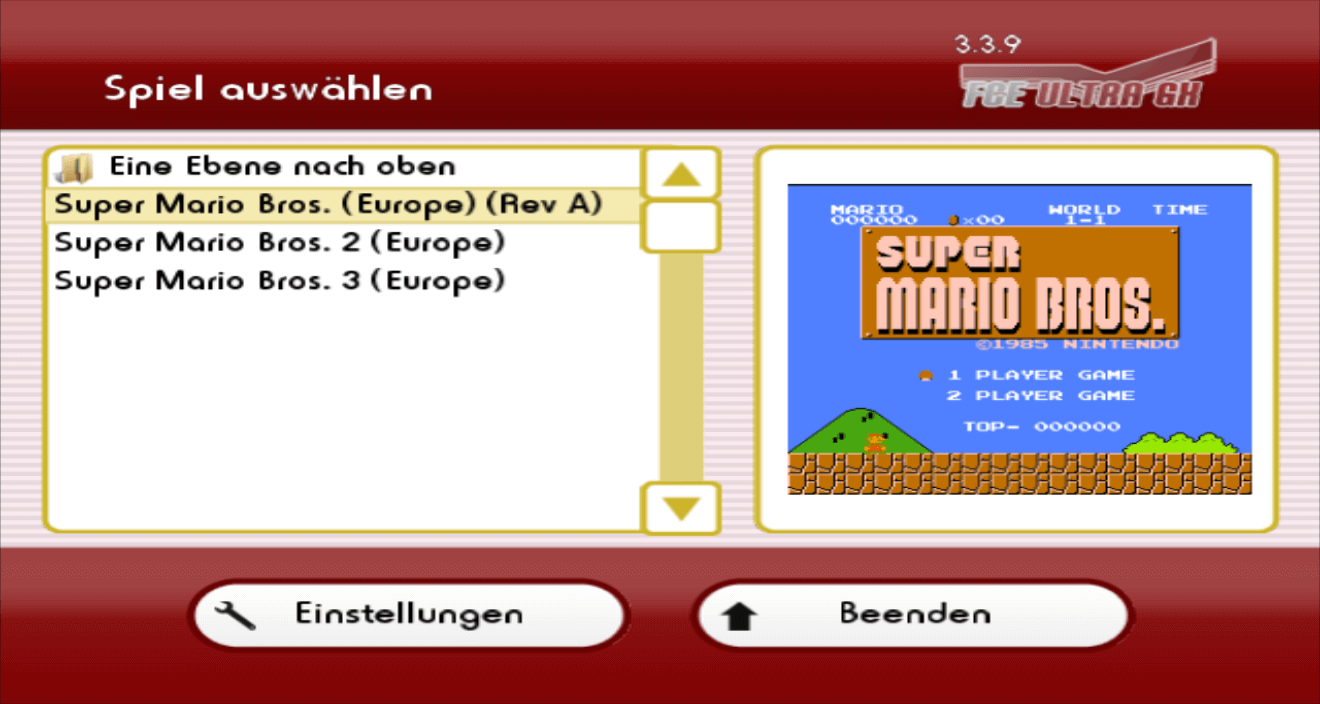
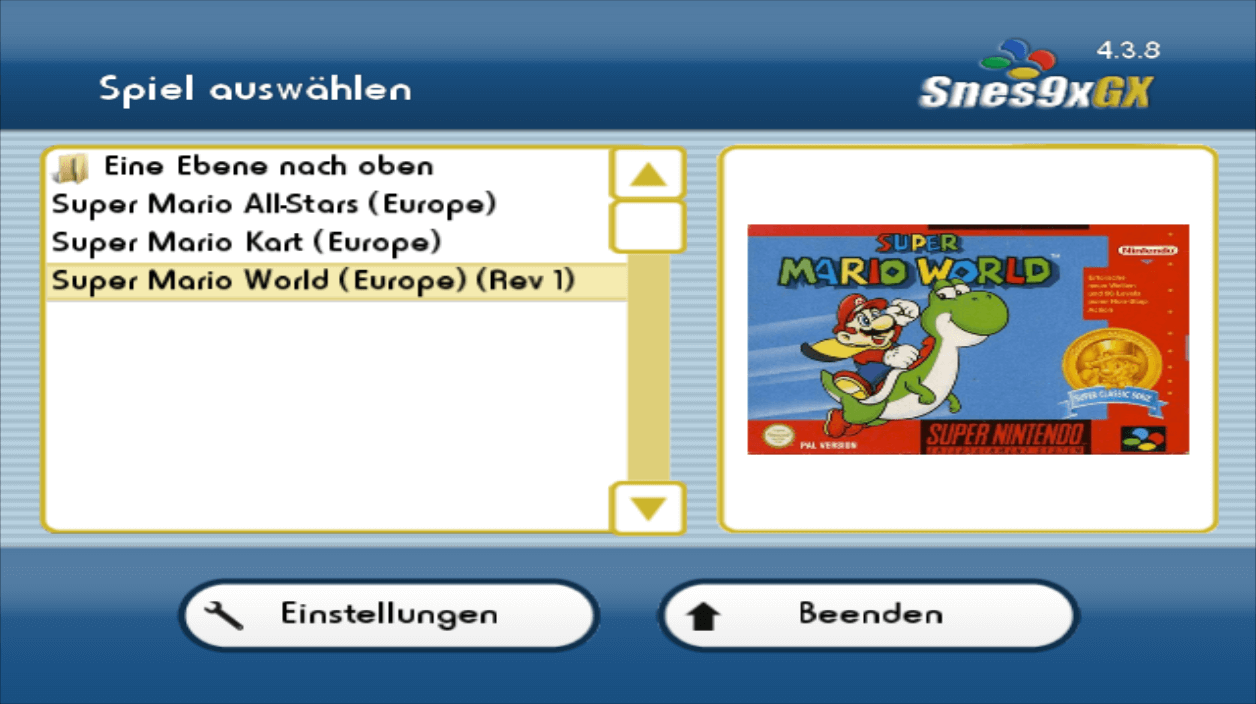
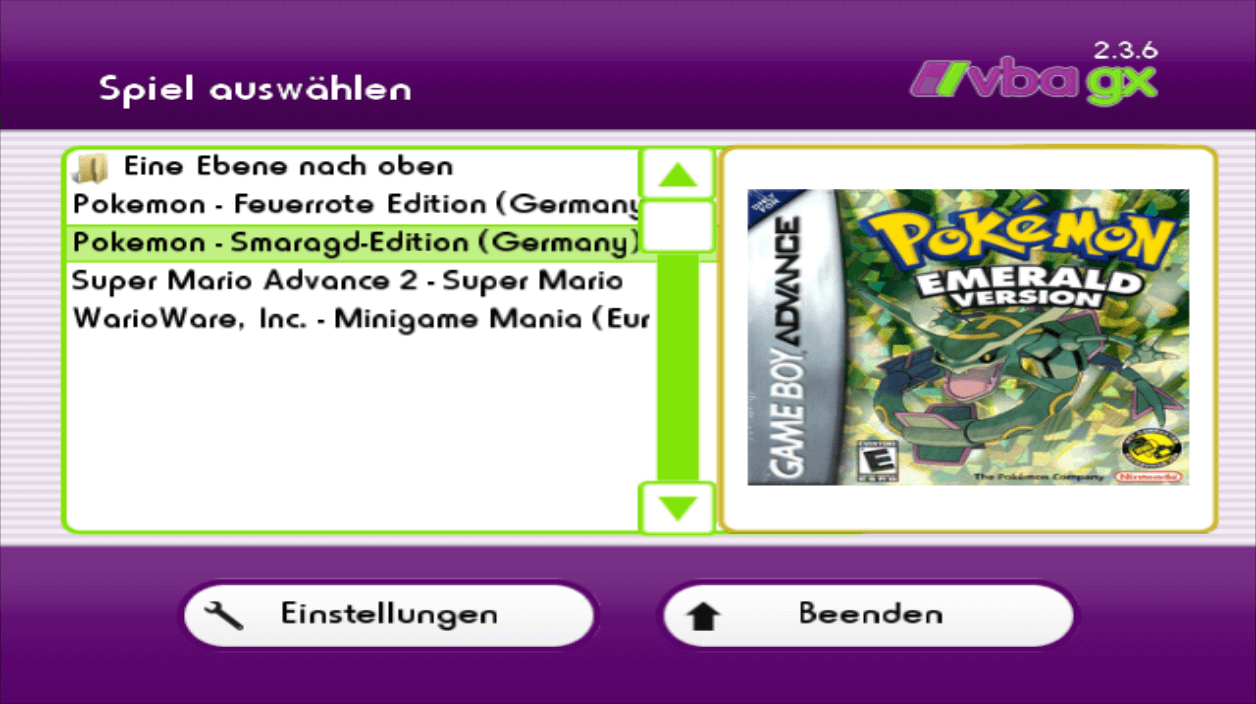
FCE Ultra GX Changelog
* Native Wii U release! FCE Ultra GX now runs natively on the Wii U as its own app, with its own icon on the Wii U Menu. Requires Aroma - run the latest Aroma release and launch the .wuhb directly from it
** Output up to 1080p, with a new GPU-powered ScaleFX upscaler shader and a Sharp Bilinear shader, plus a scanline shader
** Crisp, upscaled menus with sharper text and HD artwork
** Full Wii U GamePad support - touch screen, buttons, and rumble - alongside Wiimote, Nunchuk, Classic Controller, and Wii U Pro Controller
** Correct 16:9 aspect ratio handling, with Wii U aspect ratio handling
** SD card plus up to 3 USB drives at once, with hotplug. USB supports FAT32, exFAT, and NTFS (requires Mocha, an optional Aroma component)
** Press the HOME button to open the Wii U menu overlay. In game, HOME still opens the app menu.
** Sound plays on both the TV and the GamePad
** Recommended: install Bloopair to pair Bluetooth controllers (Switch Pro, Joy-Con, DualShock/DualSense, Xbox, and more) as if they were a Wii U Pro Controller
* Network shares now use libsmb2 (replacing the old SMB code) for modern SMB2/3 server support, on GameCube, Wii, and Wii U.
* Wii: added support for multiple USB devices at once, with proper hotplug. Only devices that are actually mounted appear in the device list
* GameCube: added hotplug support for SD Gecko and SD2SP2 - devices can now be inserted and removed while the app is running
* Reworked and simplified the video settings, and added a new Emulation menu:
** Video options are now: Output Mode, Aspect Ratio Correction, Cropping, Bilinear Filtering, Hardware Softening (GameCube/Wii), Upscaling, Scanline Overlay, Screen Zoom, and Screen Position
** Scanlines are now an independent overlay that can be combined with any upscaling filter, replacing the old "TV Mode" filter
** Game Timing, Sprite Limit, and Zapper Crosshair moved to the new Emulation menu
* Note: due to renaming, settings will all be reset upon first load
* Menu rumble is gentler
* Updated FCEUX emulation with upstream fixes: PAL noise channel fix, an FDS IRQ timer fix, and added support for mapper 471
* Fixed cheats from a cheat file not all starting disabled - they now all start off until you turn them on
* Fixed a bogus "Not Vs. System; can't insert coin" message when pressing the coin/disk button in non-VS games
* Korean translation updated
Snes9x GX Changelog
* Native Wii U release! Snes9x GX now runs natively on the Wii U as its own app, with its own icon on the Wii U Menu. Requires Aroma - run the latest Aroma release and launch the .wuhb directly from it
** Output up to 1080p, with a new GPU-powered ScaleFX upscaler shader and a Sharp Bilinear shader, plus a scanline shader
** Crisp, upscaled menus with sharper text and HD artwork
** Full Wii U GamePad support - touch screen, buttons, and rumble - alongside Wiimote, Nunchuk, Classic Controller, and Wii U Pro Controller
** Correct 16:9 aspect ratio handling, with Wii U aspect ratio handling
** SD card plus up to 3 USB drives at once, with hotplug. USB supports FAT32, exFAT, and NTFS (requires Mocha, an optional Aroma component)
** Press the HOME button to open the Wii U menu overlay. In game, HOME still opens the app menu.
** Sound plays on both the TV and the GamePad
** Recommended: install Bloopair to pair Bluetooth controllers (Switch Pro, Joy-Con, DualShock/DualSense, Xbox, and more) as if they were a Wii U Pro Controller
* Network shares now use libsmb2 (replacing the old SMB code) for modern SMB2/3 server support, on GameCube, Wii, and Wii U.
* Wii: added support for multiple USB devices at once, with proper hotplug. Only devices that are actually mounted appear in the device list
* GameCube: added hotplug support for SD Gecko and SD2SP2 - devices can now be inserted and removed while the app is running
* Reworked and simplified the video settings, and added a new Emulation menu:
** Video options are now: Output Mode, Aspect Ratio Correction, Bilinear Filtering, Hardware Softening (GameCube/Wii), Upscaling, Scanline Overlay, Screen Zoom, and Screen Position
** Scanlines are now an independent overlay that can be combined with any upscaling filter, replacing the old "TV Mode" filter
** Hi-Res Mode, Sprite Limit, SuperFX Overclock, Audio Interpolation, Mute Game Audio, Frame Skipping, Crosshair, Show Framerate, and Show Local Time are grouped in the new Emulation menu (replacing the separate Audio menu)
** Added a new "16:9 (Fixed Pixel Ratio)" aspect ratio option
* Note: due to renaming, settings will all be reset upon first load
* Menu rumble is gentler
* Snes9x emulation fixes: SA-1 memory mapping and RAM access fixes, IRQ timing fix, and a Mode 7 fix for visible glitches in games that change Mode 7 registers mid-scanline. Backported additional upstream Snes9x fixes
* Fixed ROMs with an invalid size byte in their header (such as the leaked Project Dream prototype) being mapped differently on PowerPC, which caused a black screen
* Added wired DualShock 4 (PS4) controller support (AlexVila0204)
* Wii: probe USB once for all controller drivers, fix hot-plug bugs for USB controllers
* GameCube: improve analog stick handling in menu
* Fixed cheats from a cheat file not all starting disabled - they now all start off until you turn them on
* Korean translation updated
Visual Boy Advance GX Changelog
* Native Wii U release! Visual Boy Advance GX now runs natively on the Wii U as its own app, with its own icon on the Wii U Menu. Requires Aroma - run the latest Aroma release and launch the .wuhb directly from it
** Output up to 1080p, with a new GPU-powered ScaleFX upscaler shader and a Sharp Bilinear shader, plus a scanline shader
** Crisp, upscaled menus with sharper text and HD artwork
** Full Wii U GamePad support - touch screen, buttons, and rumble (including in-game rumble) - alongside Wiimote, Nunchuk, Classic Controller, and Wii U Pro Controller
** Correct 16:9 aspect ratio handling, with Wii U aspect ratio handling
** SD card plus up to 3 USB drives at once, with hotplug. USB supports FAT32, exFAT, and NTFS (requires Mocha, an optional Aroma component)
** Press the HOME button to open the Wii U menu overlay. In game, HOME still opens the app menu.
** Sound plays on both the TV and the GamePad
** Recommended: install Bloopair to pair Bluetooth controllers (Switch Pro, Joy-Con, DualShock/DualSense, Xbox, and more) as if they were a Wii U Pro Controller
** The new GBA JIT is ported to Wii U, fully working, and on by default. You can check whether it's enabled under Settings > Emulation. If it's off and can't be turned on, that depends on how the app was launched - it's recommended to launch the .wuhb directly from Wii U menu with the latest Aroma
* Network shares now use libsmb2 (replacing the old SMB code) for modern SMB2/3 server support, on GameCube, Wii, and Wii U.
* Wii: added support for multiple USB devices at once, with proper hotplug. Only devices that are actually mounted appear in the device list
* GameCube: added hotplug support for SD Gecko and SD2SP2 - devices can now be inserted and removed while the app is running
* Reworked and simplified the video settings, and added a new Emulation menu:
** Video options are now: Output Mode, Aspect Ratio Correction, Bilinear Filtering, Hardware Softening (GameCube/Wii), Upscaling, Scanline Overlay, GBA/GB Screen Zoom and Fixed Pixel Ratio, and Screen Position
** Wii U: scanlines are available as an independent overlay that can be combined with the upscaling filters
** Frameskip, Turbo Mode, Show Framerate, and the Game Boy palette/colorization options are all grouped in the Emulation menu alongside Dynamic Recompilation
* Note: due to renaming, settings will all be reset upon first load
* Menu rumble is gentler
* GameCube: ZIP-compressed GBA ROMs up to 16MB can now be loaded
* GameCube: fixed ROM paging issues, including a freeze in the virtual memory system, and GB/GBC ROM loading
Wurde aber auch echt mal Zeit, dass endlich native Ports für die Wii U droppen. Schon echt traurig, wie stiefmütterlich die Kiste in der Homebrew-Szene im Vergleich zur Wii behandelt wird. Da RetroArch auf der U ja mittlerweile auch komplett eingeschlafen ist, sind dedizierte Standalone-Emus aktuell das einzig Wahre.